About This App
- Name Photo Recover-File Recovery
- Category Tools
- Price 0
- Safety 100% Safe
- Developer SolidDevsKit
- Version 3.4.4



Description
What Is Photo Recover-File Recovery?
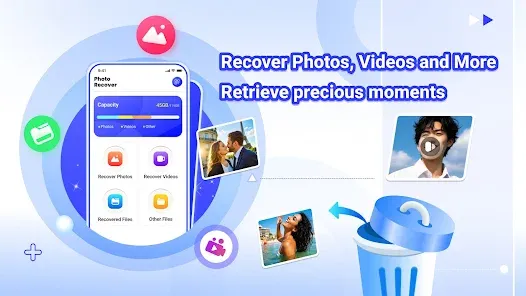
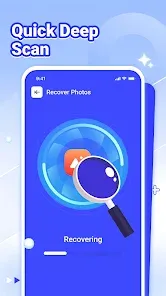
Photo Recover-File Recovery is an app intended to help users check whether deleted photos and other supported files are still recoverable. Recovery results depend on the device, storage permissions, available backups, and whether the original data remains accessible.
A recovery app cannot guarantee that every deleted file can be restored. Scan results may also include thumbnails, cached images, or existing files rather than full-resolution deleted originals.
Is Photo Recover-File Recovery Free?
Check the app’s official store listing for its current pricing. Downloading, scanning, previewing, and restoring files may have different payment requirements.
Before making a purchase, confirm which functions are included and whether any subscription renews automatically. A payment does not guarantee successful recovery.
How to Download and Install Photo Recover-File Recovery?
- Find the app’s official listing in the app store supported by your device.
- Confirm the exact app name and developer.
- Review its compatibility requirements, privacy policy, and pricing.
- Install the app and review any requested permissions.
- Follow the available scanning instructions and inspect the results before selecting files to restore.
Also check your photo app’s trash folder and cloud backups, which may already contain the files you need.
What Is the Photo Recover-File Recovery Server?
A server is an online system that may support functions such as account access, purchases, or cloud processing. Whether this app uses servers to process or store photos requires confirmation from its official documentation.
Before granting access to personal files, check whether scanning happens on your device, whether files are uploaded, and how uploaded data can be deleted.
App Features
Check the official listing to confirm the availability and limitations of:
- Photo scanning: Which storage locations the app can access.
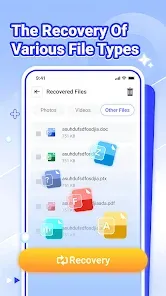
- File recovery: Which file types and recovery methods are supported.
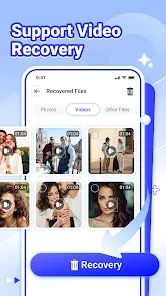
- Result previews: Whether previews represent original files or smaller thumbnails.
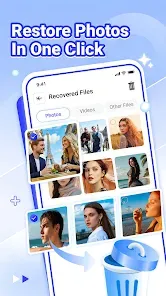
- File selection: Whether individual items can be selected for restoration.
- Export options: Where recovered files can be saved.
These functions should only be advertised as available after verification.
Pros and Cons
Potential benefits
- May help identify accessible copies of missing photos or files.
- Can provide another recovery option alongside trash folders and backups.
- Preview and selection tools, if supported, may help users assess results.
Limitations
- Permanently deleted, overwritten, or inaccessible encrypted data may be unrecoverable.
- Image quality and file completeness can vary.
- Some functions may require payment or additional permissions.
Frequently Asked Questions
Can the app recover 966 photos deleted four years ago?
That cannot be established before examining the actual results. The number of recoverable files and their age must come from reliable scan data. A file’s creation date alone does not prove when it was deleted.
Does finding a photo mean the original can be restored?
No. A result may be a thumbnail, cached copy, duplicate, or existing image. Check its resolution, contents, and recovery status.
Is recovery guaranteed?
No. Recovery depends on the remaining data and the device’s storage protections. Installing an app or paying for recovery does not ensure success.
Frequently asked questions
If you're an Android user and don't download the app from the official Google Play Store, you may find the installation process more complicated than usual.
We fully understand your concern about safety. We agree that one person wouldn't be too careful in the cyber world. Meanwhile, we are happy to tell you that one of our priorities is to provide our users with safe app files that they can use without any worries.
We guarantee that all the app files we provide originate from official and reliable sources. We promise that they do not contain any malware that will harm your hardware or the safety of your privacy.
We are happy to inform you that the answer is an absolute YES! All the apps on our website are 100% free to download. Besides, you do not have to create an account. Just click on the download button, and it's done.
Recently we received a lot of emails from our users saying they couldn't log in for different reasons, such as "forgot the user name or password" or "had a new phone." We are willing to help you out. Please read the notes below to see what we can do.
To answer this question, please first let us know which account you're referring to.
If you're referring to your account of some app, like your Facebook account or your Youtube account, unfortunately we would not be able to help in this case. We would suggest you turn to the customer service of this application.
This question is essentially quite similar to the prior one. It's a pity that we are unable to help you cancel the subscription to a third-party application directly, while we would suggest you contact its customer service for further information.
Sorry that we are unable to help you get a refund from a third-party application directly. If you wish to get a refund from a third-party app, we would suggest you contact its customer service. We would be happy to provide you the way to contact them.
If you want a refund from us, we should apologize for your confusion. Our service is 100% free, and any payment information is not required.
If you run into any site that asks you to provide your payment information, be careful. Remember never to reveal your payment information to any unauthorized third parties, no matter how tempting their offer may seem.
Sorry that we cannot answer this question directly, as this section only aims to answer some general questions. You may find how to use a certain app by checking our review page.